Download APKS v1.6.1RC6
11.13 GB · Full
XCOM 2 Collection APK
APKVisionv1.6.1RC6
Google Play—
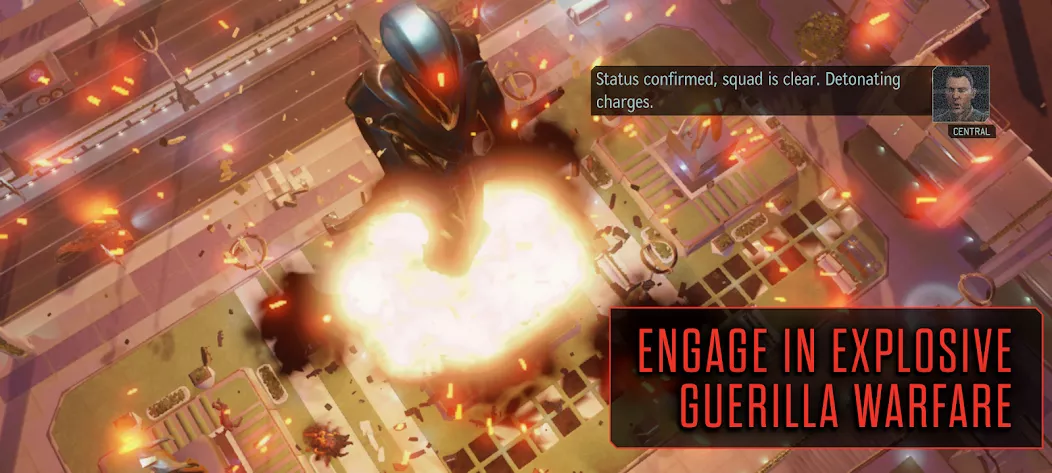
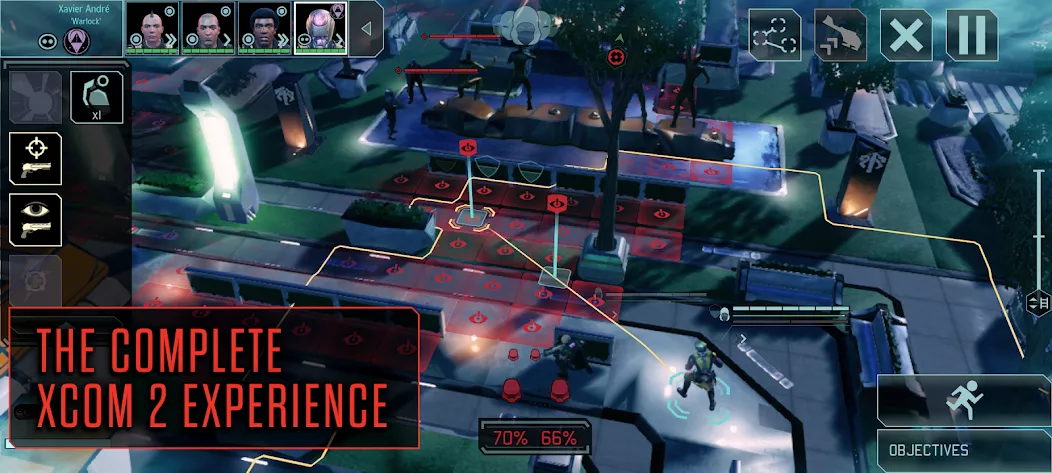
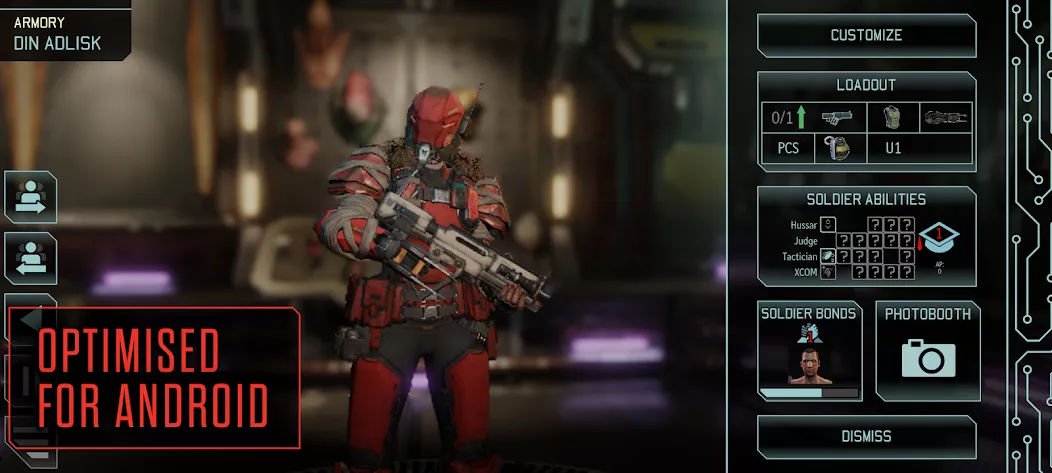
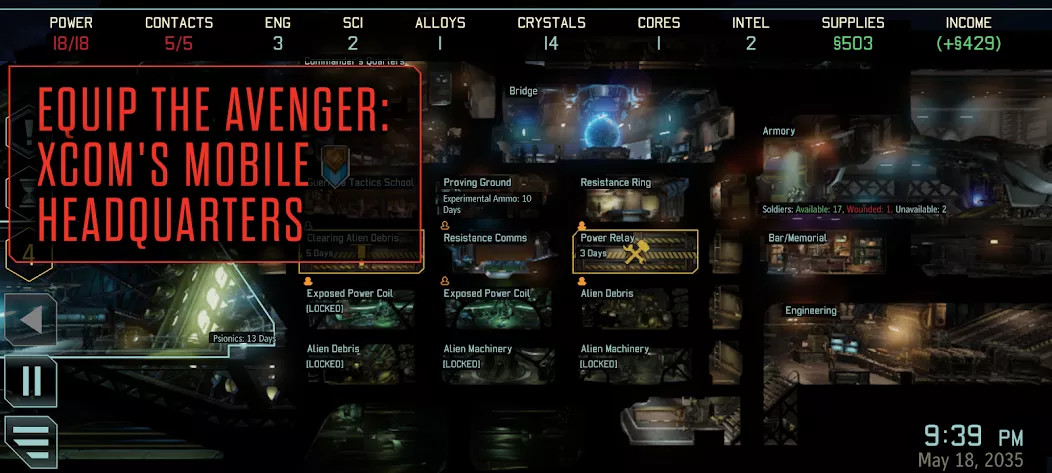
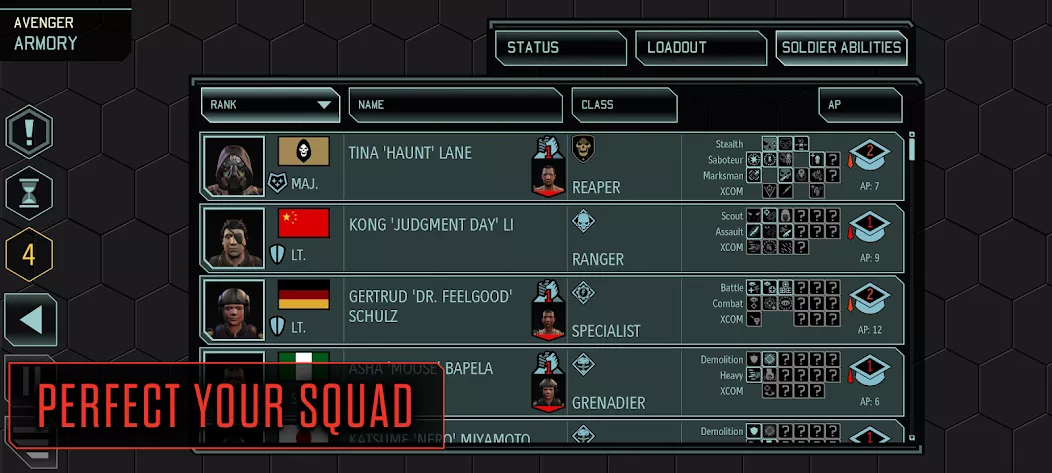
XCOM 2 Collection immerses players in a world where alien forces dominate Earth, challenging them to lead the resistance against this oppressive regime. This mobile adaptation brings the complete experience of XCOM 2: War of the Chosen and four DLC packs, providing a seamless turn-based tactical gameplay tailored for touchscreens. Players can customize their squads and face unique challenges with procedurally generated maps and objectives, ensuring endless replayability. Designed for optimal performance on Android devices, this collection delivers a rich, engaging strategy experience without in-app purchases.
| Updated | October 30, 2026 |
|---|---|
| App Name | XCOM 2 Collection |
| Latest Version | v1.6.1RC6 |
| Genre | Strategy |
| Developer | Feral Interactive |
| OS Version | Android 13 |
| Supported languages | Supported languages in this APK.
|
| Package name | com.feralinteractive.xcom2_android |


 3.59/5 (164 votes)
Screenshots
Download XCOM 2 Collection APK free for Android
v1.6.1RC6 Full
MOD Info:
• License check removed
Install the game using APKVision Store, ZArchiver, XAPKS Installer, or SAI (Split APKs Installer). Requires approximately 25 GB of free storage for installation.
Works?


































Can it be run completely offline?
Качайте с 3го сервера. С первого битый качается и не ставится в итоге, а с третьего норм. Всё установилось и запускается без проблем.
Для первого запуска инет не нужен ? Или всегда нужен для запуска, а потом отключать ?
To fix the Low graphics goto Android/data/com.feralinteractive.(any feral games)_android/files/
feral app support/ then find the file named “preferences”. Open it with whatever text file you use.
Find the Line
value name= “GFXTextureDetail”
“integer” 0
value name= “GFXTextureDetail_battery”
“integer” 0
value name= “GFXTextureDetail_graphics”
“integer” 0
Then Change all three “integer” from 0 to 4
It would look like this
value name= “GFXTextureDetail”
“integer” 4
value name= “GFXTextureDetail_battery”
“integer” 4
value name= “GFXTextureDetail_graphics”
“integer” 4
Done! Your Graphics should be fix now although your fps would drop a bit if your ram is below 8 or 4.
Hello everyone here’s a step by step to bypass feral monthly updates (sorry for the long delay)
ADDITIONAL IMPORTANT STEP: Step by step to bypass game update and play with internet on:
– Using Mt manager or Quick edit, go to:
Android/data/com.feralinteractive.(companyofheroes)-(or any feral games)_android/files/feral_app_support/cache/
– delete folder “cache” just tap hold cache folder and then select delete
– Create new file without any file extension, named “cache”, just press + in the bottom center mt manager and then type “cache” and select File
5. AFTER ALL DONE, DON’T FORGET TO RENAME BACK FOLDER “data0” to “data” inside Android FOLDER
6. DONE, FIRST TEST PLAY IT WITH INTERNET PHONE OFF, IF SUCCESS JUST TRY TO ACTIVATED THE PHONE INTERNET
Hero
неустанавливается!(