Download APK v1.0.3RC3
1.52 GB · Full
Saints Row: The Third APK
APKVisionv1.0.3RC3
Google Play—
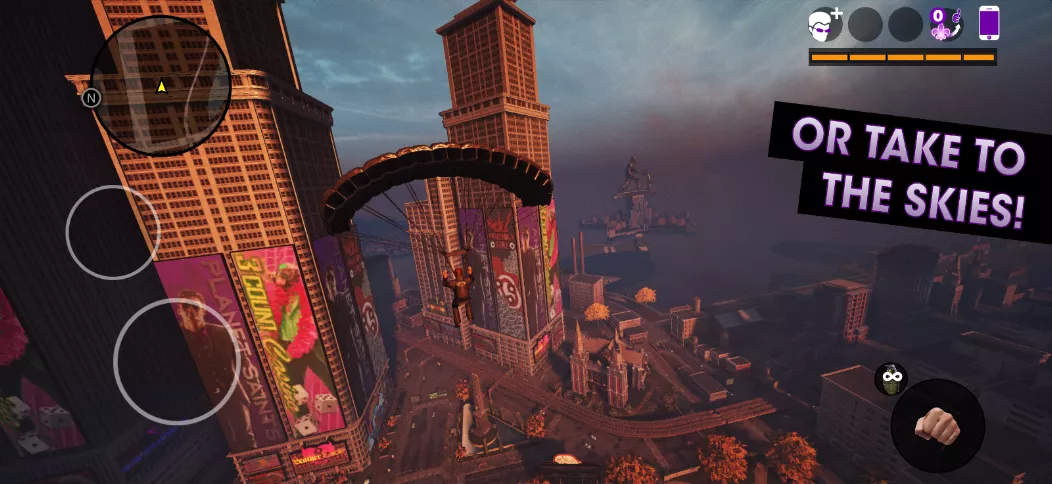
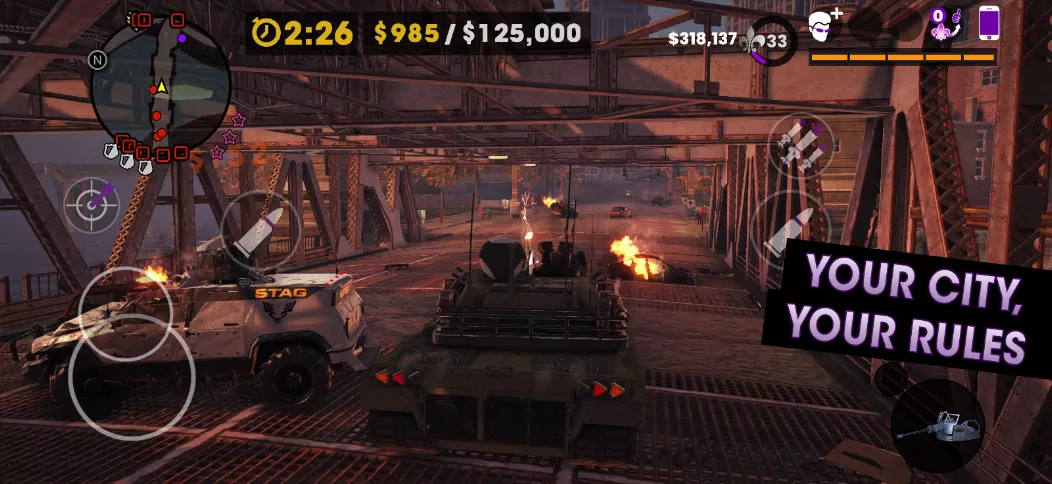
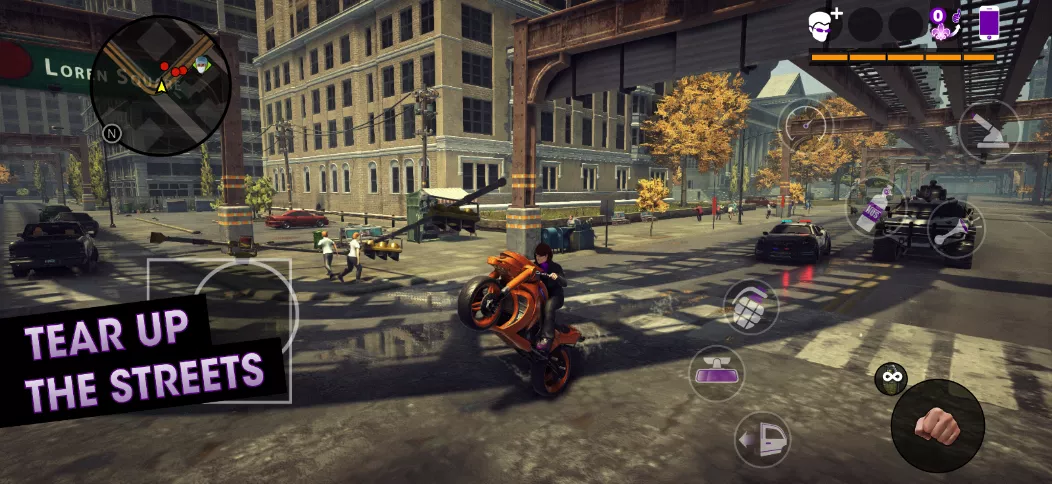
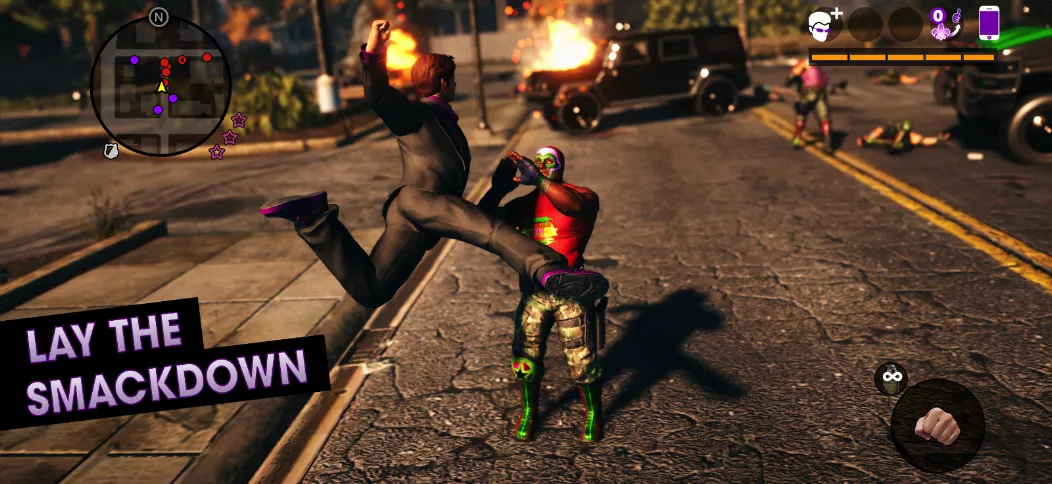
Saints Row: The Third Remastered offers players an expansive open-world experience on Android, allowing them to transform Steelport from the clutches of the Syndicate. Players can engage in outrageous activities, from driving tanks to base-jumping, all while building a business empire. The game features a variety of missions against rival gangs and includes an arsenal of unique, comical weapons. With customizable controls and co-op gameplay, friends can join in the over-the-top action. The remaster includes all DLCs, adding even more content to explore, ensuring a comprehensive and chaotic gaming experience.
| Date | 30.10.2026 |
|---|---|
| App Name | Saints Row: The Third |
| Latest Version | v1.0.3RC3 |
| Genre | Action |
| Developer | Feral Interactive |
| OS Version | Android 13 |
| Supported languages | Supported languages in this APK.
|
| Package name | com.feralinteractive.saintsrow3_android |

 4.36/5 (629 votes)
Screenshots
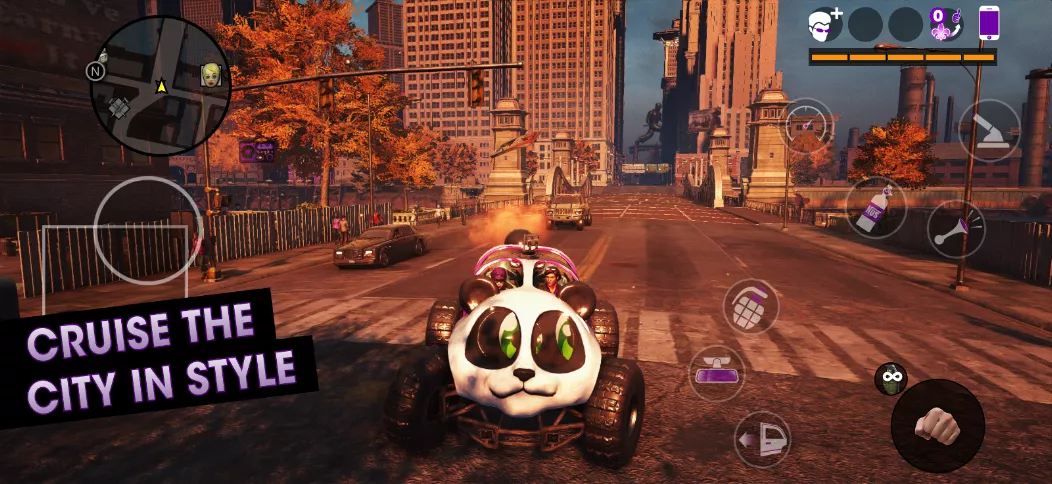
Download Saints Row: The Third APK free for Android
v1.0.3RC3 Full
MOD Info:
• License check removed
The game will download 10 GB of additional data on the first launch.
Works?




























⚠️ Some users have reported installation errors such as “No package found,” “Invalid package,” or “App not installed.”
These errors may be caused by an incomplete or corrupted download. Google Chrome appears to be a possible factor, but we haven’t confirmed the exact cause yet. The issue affects some users, while others can download and install normally.
If you encounter this problem, try downloading the file again using a different browser, such as Firefox or Brave, or use the APKVision Store.
Saints Row The 3rd Remastered is playable on Sd 6s gen 3 Mobile and I played it as well but now it crash whenever I launch the apk to play the Game . Any fix for this regular crash and I completed 20 % of the game on my mobile . Please give me solution about this crash on my mobile.
U can follow as I said but it is risky coz u can like lose ur data but ya it is working
Ig this the final and working way to fix the crash issue
1. Download the apk
2. Download the in-game files
3. Download z archivers
4. Go to Android
Click on data and then go back then rename the data file to whatever like data11111 something like this whatever
5. Then open the data file and boom ur done then go to the com.feralinteractive.saintsrow3_android
Click on that delete the feral support file
6. On ur done broo!!!
Just off the wifi and data and open the game lezzz goo!!!
And also like try to log in or like sign up to feral account and boom guyz that’s how u fix the crash..
Hopefully it works for you too and if it works guyz just like the comments and ya thx
Hey, I didn’t quite understand the part that u told to go to data then go back and rename the data, would it be fine if I can get ur any social media or contact so u can tell me in detail please it’s a humble request.
It’s work on Poco x7 pro?
Ferall security is back, and now the game crashes even after a reinstallation. The only way to fix is buy it
Nope
If the game is crashing on your phone. You can delete the feral app support file inside your saint row data file then restart the app again. There’s no need for you to clear your whole data of 20GB just go to your data find com.saintrow then look for feral app support and delete it. Then clear your cache through your phone security and restart the game… This might help
But make sure to copy your save data in one folder then copy back again to the feral app support after restarting the game to get ur completed missions back again
If you want to enable performance mode in your graphic setting which will make your gaming feel faster but your graphic will depreciate. Go to your data file look for preferences once you click on preference to edit the text using zarchiver, search for “performance” you will see Gfxperformance preset available integer 0 values. Change that 0 to 1 to enable the performance setting on ur graphic option in the game then save the file after editing. Restart the game and performance will be in your graphic option to select enjoy smooth fps.
Performance mode will prevent the game from crashing just in case when you start the game it forces you on graphics setting as the recommended setting…
Do all this before restarting the game. You can also visually change the game resolution and all to fit your phone performance I mean dynamic resolution setting, graphic preset, performance preset and battery saver preset by adjusting the max scaling and min scaling and responsive fps to fit your phone gameplay….
Imma be honest with you guys there’s really not much that apkvision can do. You just have to toggle around and do this yourself your preferences file is there for you to edit to fit your preference in the gameplay. You just have to follow through these steps. The game is highly demanding even after maybe like 1hour of gameplay it’s overheats on battery saver setting. So if you know you have a lower chip set please sit these one out. The only that can prolly help you is setting to performance mode. Hopefully feral can release an update to fix the bugs and overheating issues….
Apkvision can’t do anything if you have a shitty phone; if you can’t play, that’s not Apkvision’s problem it’s yours for having a piece-of-shit phone.
Shut up kid!!
Zip your mouth
How do I fix the shadow bug? My simple game already has shadows disabled 🫠