Download R.E.P.O. APK v0.4.4.3
1.94 GB
R.E.P.O. APK
v0.4.4.3
Full
R.E.P.O. is an intense cooperative horror game where you and up to five other players explore terrifying abandoned environments in search of valuable objects that must be carefully collected and extracted. Armed with a physics-based grabbing tool, you will need to transport everything from heavy furniture to fragile valuables while avoiding dangerous monsters that can turn even the simplest task into a chaotic struggle for survival. Proximity voice chat makes communication and teamwork essential, especially when deciding when to move, when to hide, and when to stay completely silent. Earn money from successfully recovered loot and spend it on powerful upgrades, weapons, and robotic enhancements to improve your chances on increasingly dangerous expeditions. With physics-driven gameplay, unpredictable encounters, tense exploration, and plenty of opportunities for hilarious mistakes, R.E.P.O. combines frightening horror with chaotic teamwork and rewarding scavenging mechanics.
| Date | 13.08.2026 |
|---|---|
| Latest Version | v0.4.4.3 |
| Genre | Action |
| Developer | semiwork |
| OS Version | 9 |

 4.45/5 (80 votes)
Screenshots

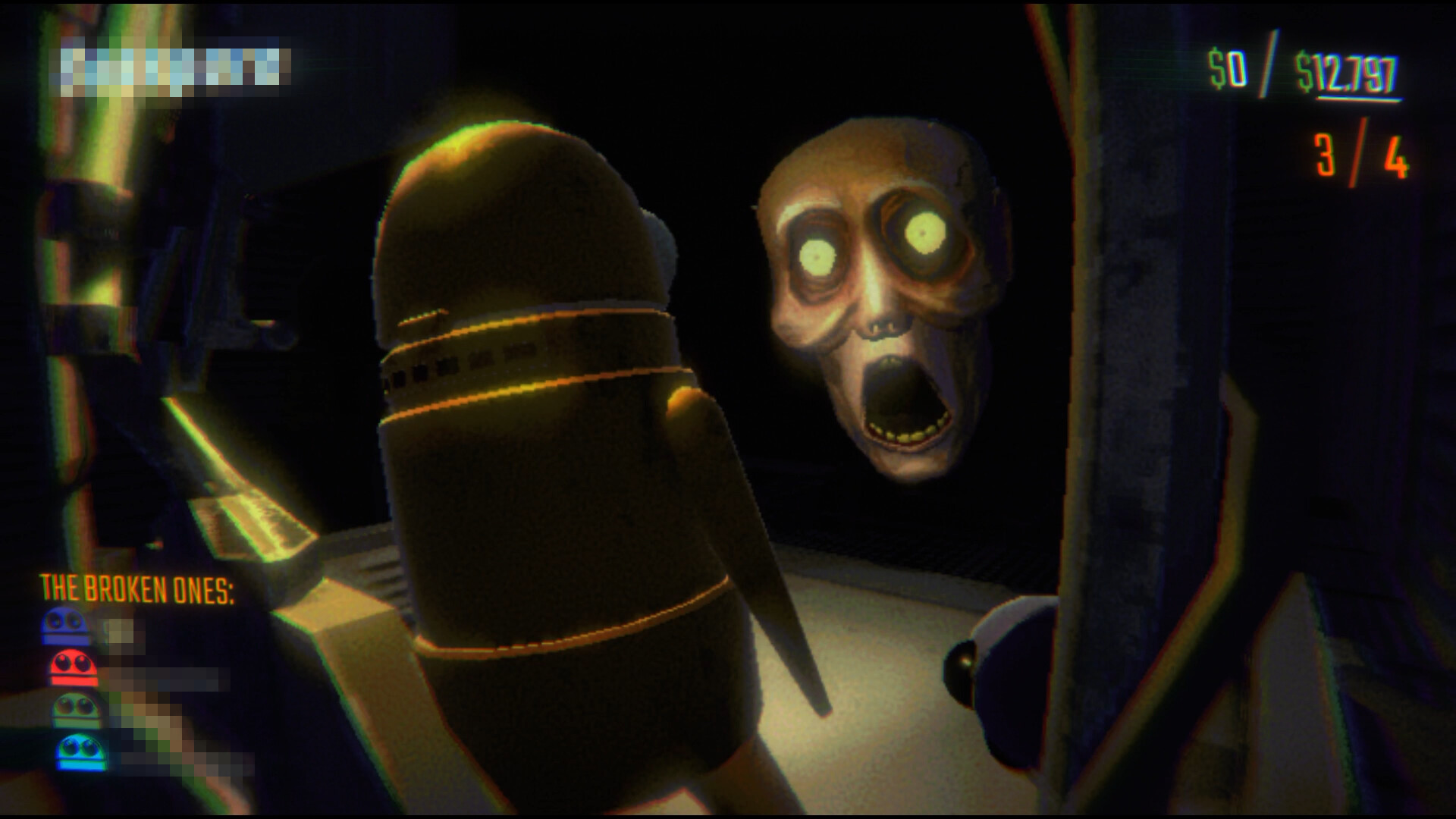
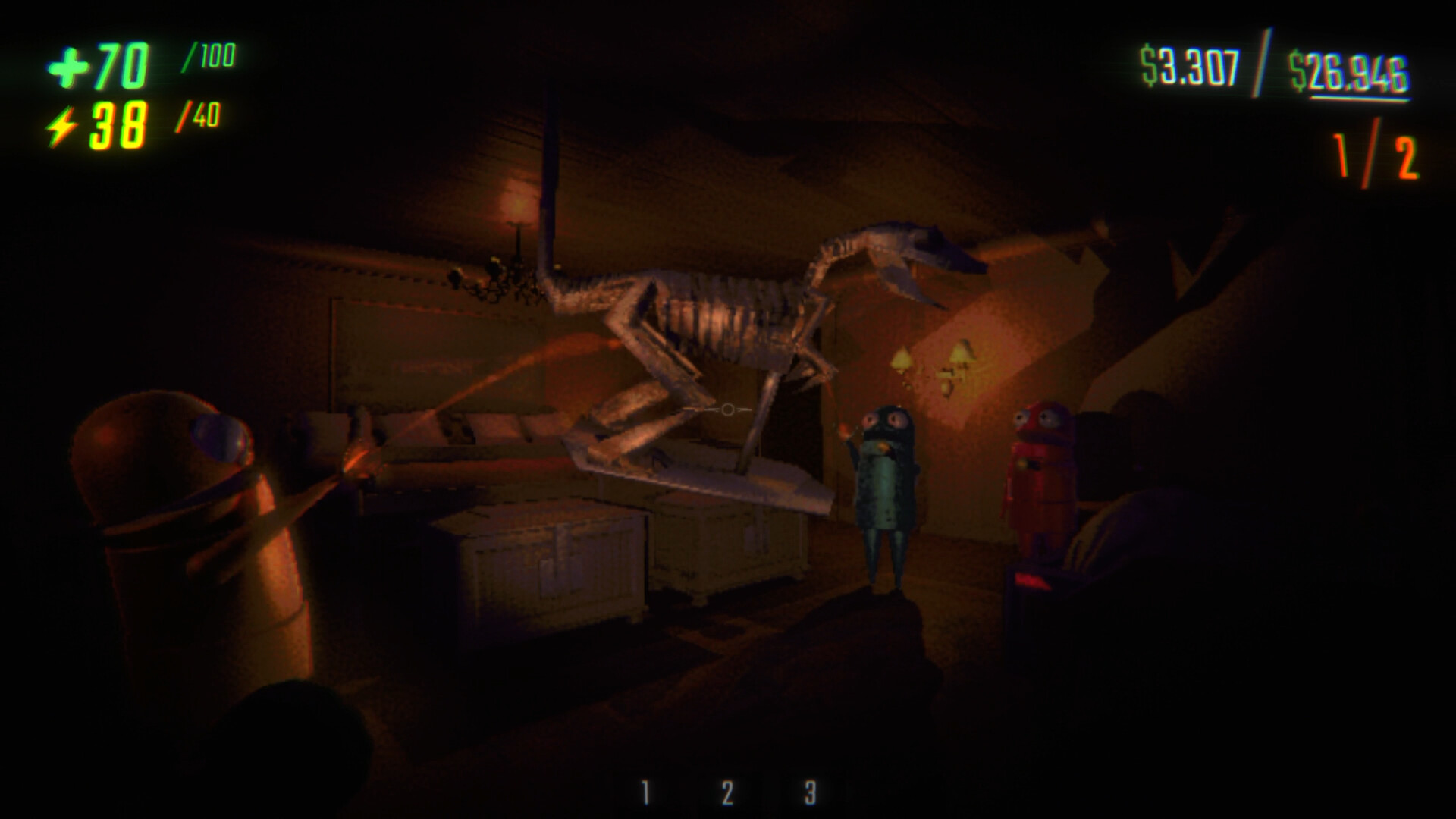
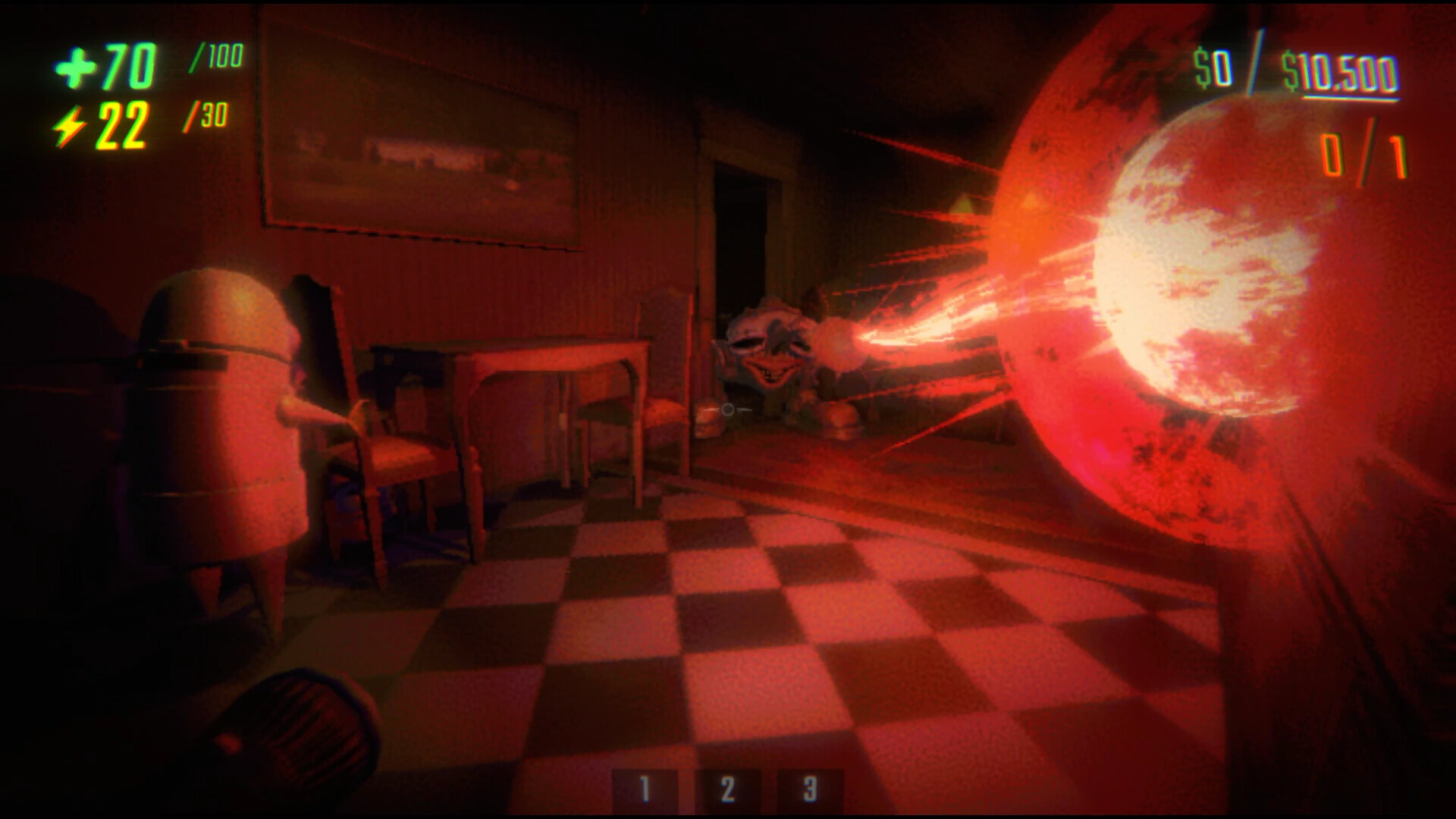
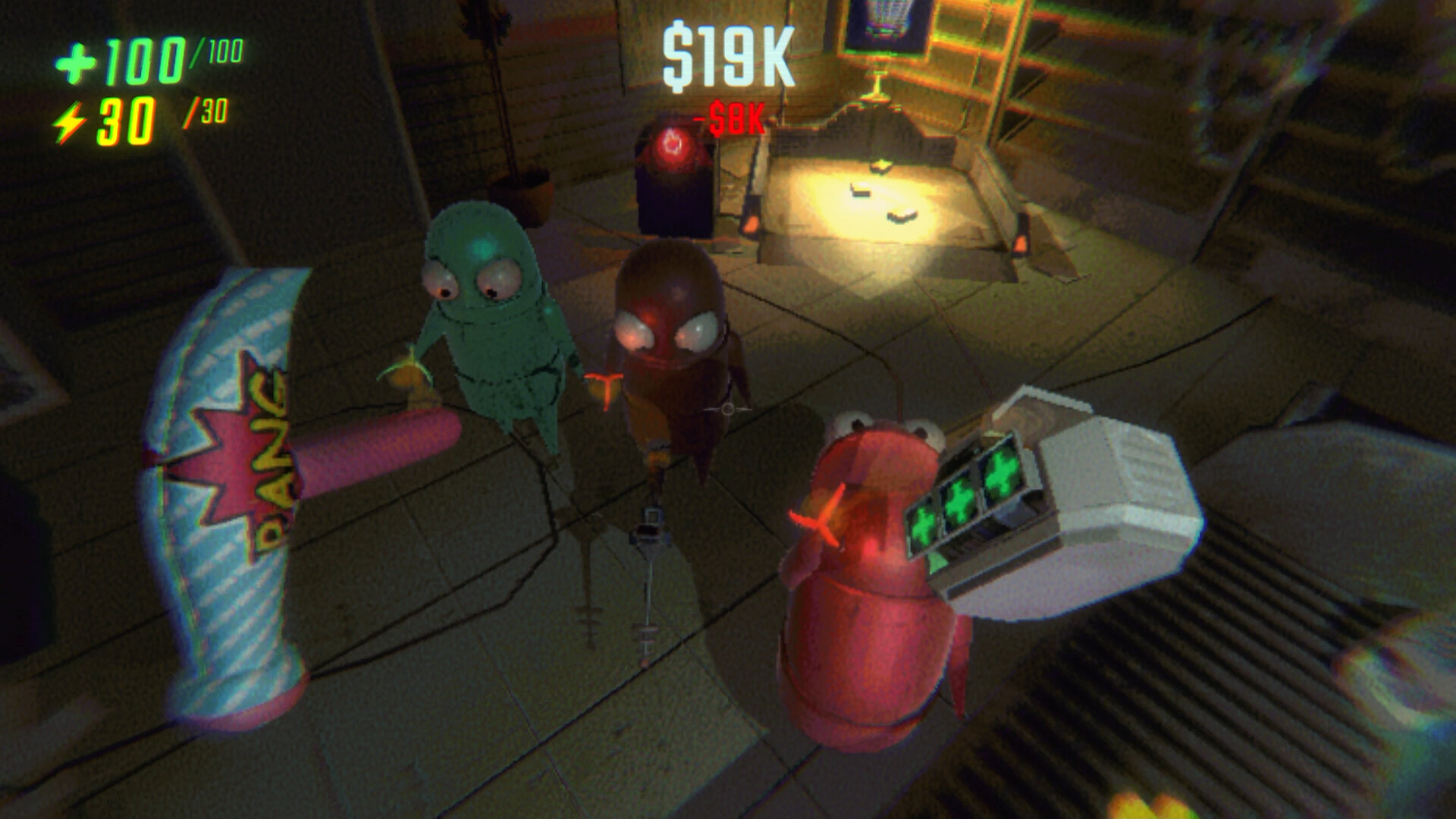
How to play Multiplayer (Host and Join)?
To play with friends, one player must host the game, and the other(s) must join using an invite code.
For the HOST:
- In the main menu, select PRIVATE GAME or PUBLIC GAME.
- When asked "Are you this friend?" (who should host), select HAHA YES! :).
- Choose your preferred Region (e.g., RU, EUROPE, USA EAST, etc.).
- Select NEW GAME (or a saved game) and confirm by pressing YES! to start the lobby.
- Once inside the lobby, press the INVITE button. The invite code will automatically be copied to your device's clipboard.
- Send this code to your friend (via Discord, Telegram, WhatsApp, etc.).
For the GUEST (Joining player):
- In the main menu, select JOIN FRIEND.
- Paste the invite code you received from the host into the text box.
- Important: DO NOT press the "OK" button on your phone's keyboard. Instead, press the CONFIRM button directly inside the game menu.
- Wait for the loading screen, and you will appear in the lobby with the host.
How to enable the Microphone (Voice Chat)?
To talk to other players in-game, you need to grant permissions and configure the in-game settings.
Step 1: Android System Settings
- Close or minimize the game. Go to your phone's system Settings.
- Navigate to Apps and search for REPOPort.
- Go to Permissions, select Microphone, and choose Allow only while using the app.
Step 2: In-Game Settings
- Open the game and go to the Lobby.
- Press SETTINGS, then select AUDIO.
- Scroll down to the MICROPHONE option and change the input from "NONE" to "Android audio in... (ANDROID AUDIO INPUT)".
- Set PUSH TO TALK to ON or OFF:
- If OFF: Your microphone will be active all the time.
- If ON: You will need to press and hold the dedicated PTT button (located at the top right of the screen during gameplay) to speak.
⚠️ CRITICAL BUG WARNING: During gameplay, DO NOT press the "CHAT" button located next to the PTT button. Doing so will softlock your game!
Download R.E.P.O. APK free for Android
v0.4.4.3 Full
arm64-v8a
This is an unofficial port of R.E.P.O. (v0.2.1) for Android with touchscreen controls, created by Zhes-20. Enjoy the game!
Work?
You already voted
Thank you, your vote is accepted
Popular Games

Grand Theft Auto: San Andreas
v2.11.311
Full + MOD Menu

Minecraft
v1.26.70.20 Beta

NBA 2K20
v98.0.2
Original + Mod: Free Shopping

Grand Theft Auto: Vice City
v1.12.259
Full + MOD: Unlimited Money + MOD Menu

GTA: San Andreas – Definitive
v1.87.0
Full - Rockstar version + MOD 60 FPS

Bully: Anniversary Edition
v1.4.311
Full + MOD Menu

NARUTO: Ultimate Ninja STORM
v1.2.10
MOD: Unlocked

Red Dead Redemption
v1.58.63226194
Full - Rockstar version + MOD: Unlock Graphics Settings

GTA: Vice City – Definitive
v1.90.0
Full - Rockstar version + MOD 60 FPS

WWE 2K25: Netflix Edition
v0.1489.0
Unlocked + MOD: Commentary Included

ARK: Ultimate Mobile Edition
v1.10455
MOD: Unlocked

GTA III – Definitive
v1.84.3
Full - Rockstar version + MOD 60 FPS
This game its great but why no one its playing online the online and microphone its working great!!
Tengo una pregunta Como se cambia el nombre
Mude o nome do dispositivo nas configurações, para o nome que você quer
I want to have Simplified Chinese Translation actually
Vino
The only thing would be to improve the controls for a better gaming experience, and that would be it. But otherwise, it’s an excellent game.