Download APK v2.0.6RC2
3.67 GB · Full
ROME: Total War – Barbarian Invasion APK
APKVisionv2.0.6RC2
Google Play—
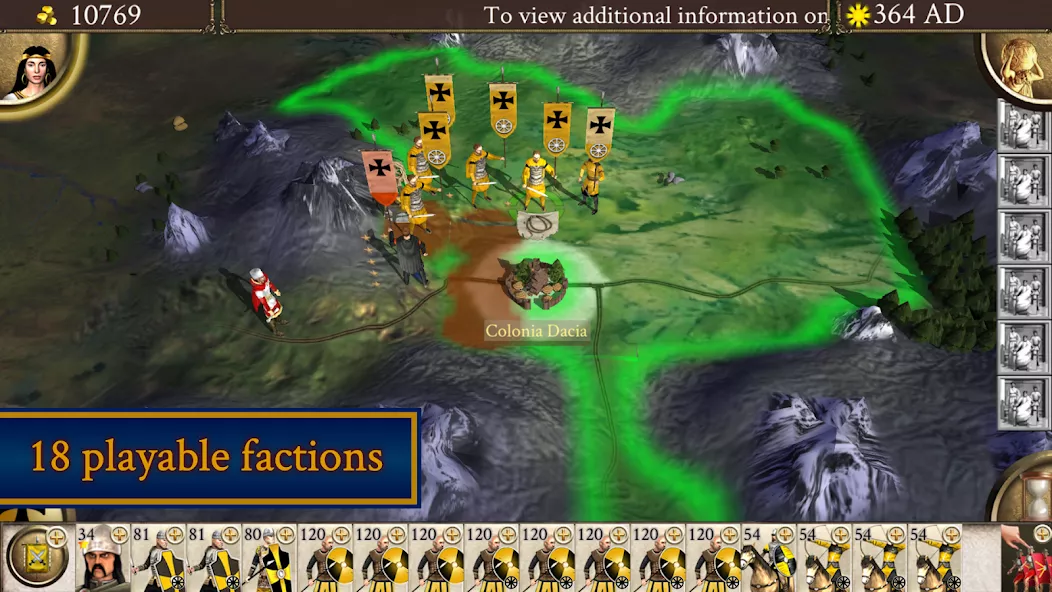
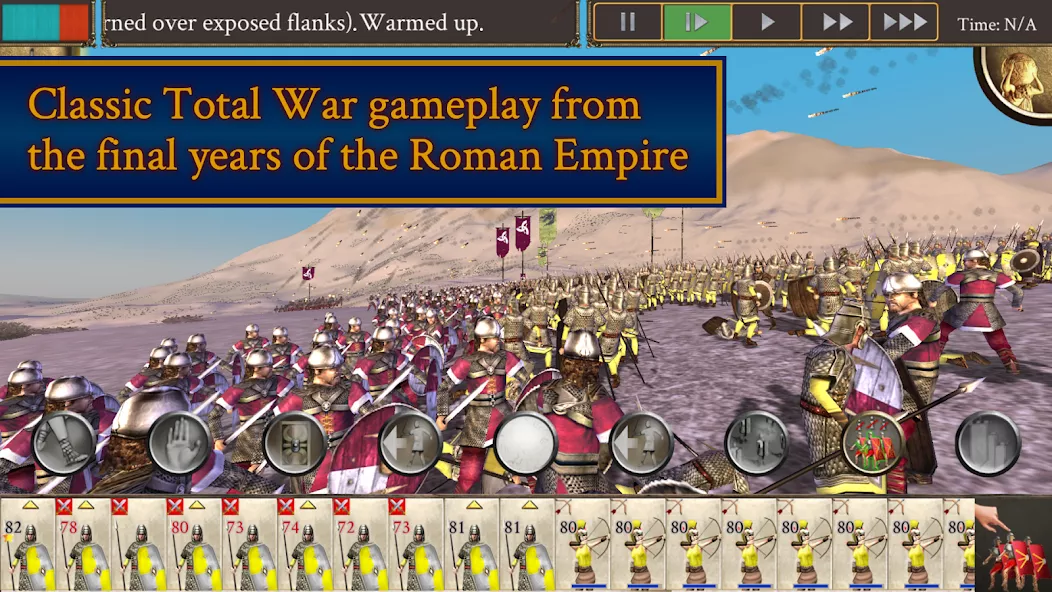
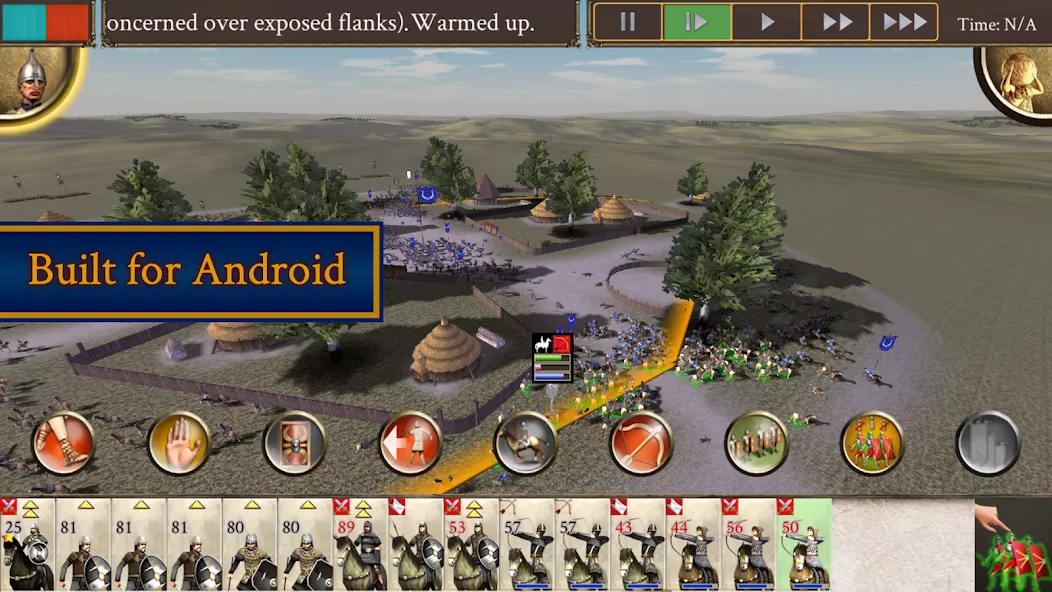
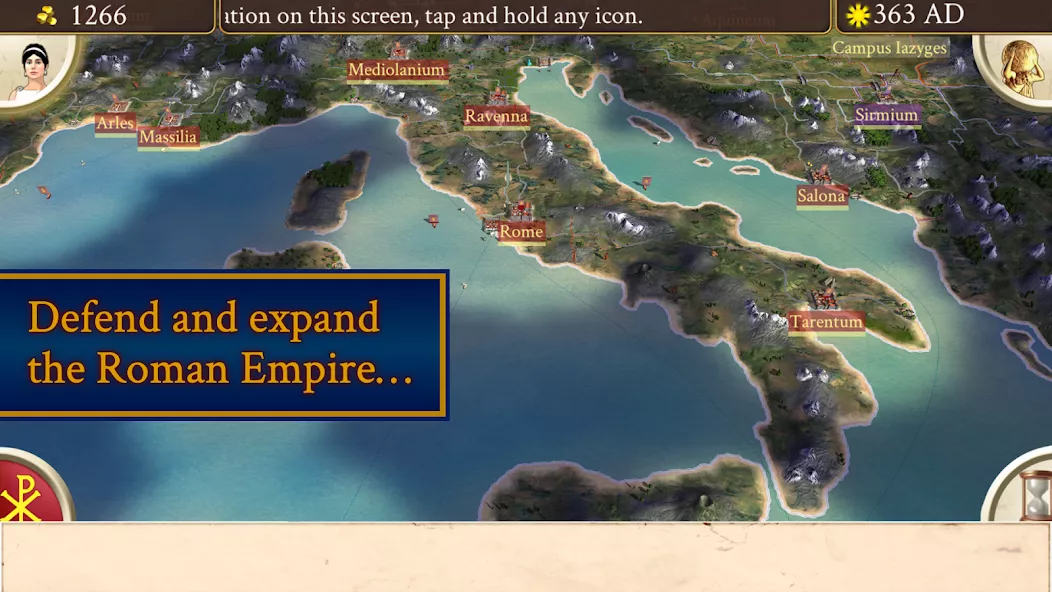
ROME: Total War – Barbarian Invasion — a series of strategy games for Android devices, which has won the recognition of players thanks to the elaborate combat system, large-scale battles and a huge number of units. ROME: Total War – Barbarian Invasion – Android version of one of the parts of the franchise, where this time you have to stand up for Rome and try to defend the capital. This game is a full port of the original version with full graphics, original controls and storyline. The game will be a real gift for all fans of the series and tactical strategies in General.
| Updated | October 30, 2026 |
|---|---|
| App Name | ROME: Total War – BI |
| Latest Version | v2.0.6RC2 |
| Genre | Strategy |
| Developer | Feral Interactive |
| OS Version | Android 12 |
| Supported languages | Supported languages in this APK.
|
| Package name | com.feralinteractive.rometwbi |

 4.17/5 (53 votes)
Screenshots
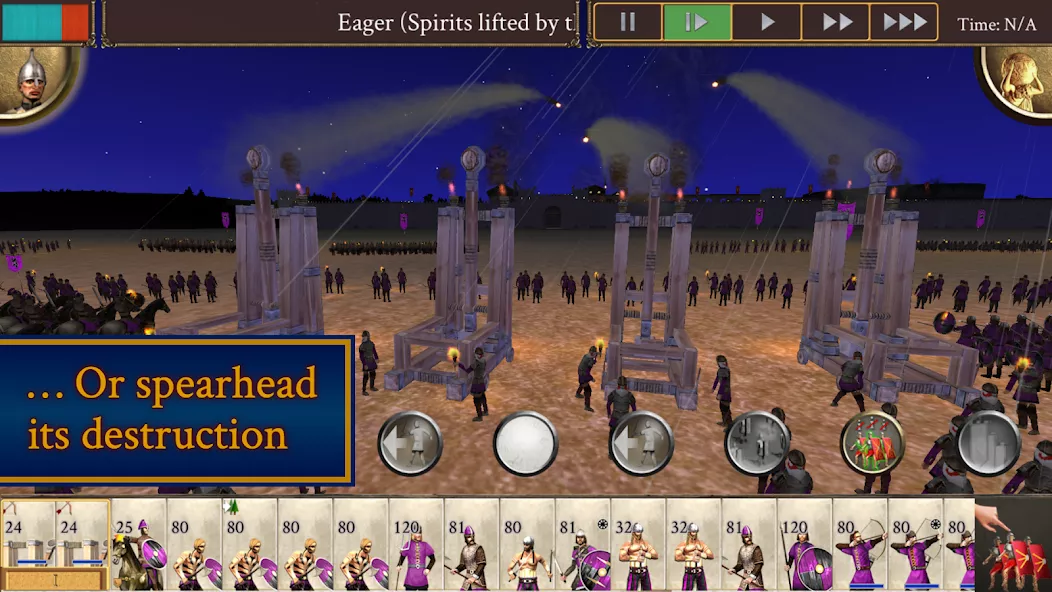
Download ROME: Total War – Barbarian Invasion APK free for Android
v2.0.6RC2 Full
MOD Info:
• License check removed
Works?


































Hello everyone here’s a step by step to bypass feral monthly updates (sorry for the long delay)
ADDITIONAL IMPORTANT STEP: Step by step to bypass game update and play with internet on:
– Using Mt manager or Quick edit, go to:
Android/data/com.feralinteractive.(companyofheroes)-(or any feral games)_android/files/feral_app_support/cache/
– delete folder “cache” just tap hold cache folder and then select delete
– Create new file without any file extension, named “cache”, just press + in the bottom center mt manager and then type “cache” and select File
5. AFTER ALL DONE, DON’T FORGET TO RENAME BACK FOLDER “data0” to “data” inside Android FOLDER
6. DONE, FIRST TEST PLAY IT WITH INTERNET PHONE OFF, IF SUCCESS JUST TRY TO ACTIVATED THE PHONE INTERNET
Update the damn game
Play error, even off line airplane mode and disconnect Internet. It’s the same as all these games. You get a cheetah and it just forever loads.
There was a problem validateing the game license, what do I do
For those people asking how to play just delete the game and install it again then once it’s installed turn of your wifi or data then open the app congratulations you can now start play,if you accidentally open the wifi while opening the app go to it’s info(long press the app) then find the storage and click it then you’ll see a cach delete both of those then re open the app while your wifi is close then congratulations it works
Doesn’t work either.