Download APKS v1.1.5RC3
3.86 GB · Full
GRID™ Legends: Deluxe Edition APK
APKVisionv1.1.5RC3
Google Play—
GRID™ Legends: Deluxe Edition offers an exhilarating mobile racing experience with stunning visuals and a vast array of vehicles. Designed for high-performance devices, it features seamless controls and supports various racing disciplines, including Circuit racing and Time Trials. Players can engage in an immersive Live-action story mode, “Driven to Glory,” and explore a comprehensive career mode or customizable Race Creator mode. This edition includes all downloadable content, enhancing gameplay with new modes and events. To ensure optimal performance, only compatible devices will be able to purchase the game at launch.
| Updated | October 30, 2026 |
|---|---|
| App Name | GRID™ Legends: Deluxe Edition |
| Latest Version | v1.1.5RC3 |
| Genre | Racing |
| Developer | Feral Interactive |
| OS Version | Android 12 |
| Supported languages | Supported languages in this APK.
|
| Package name | com.feralinteractive.gridlegends_android |


 3.88/5 (458 votes)
Screenshots

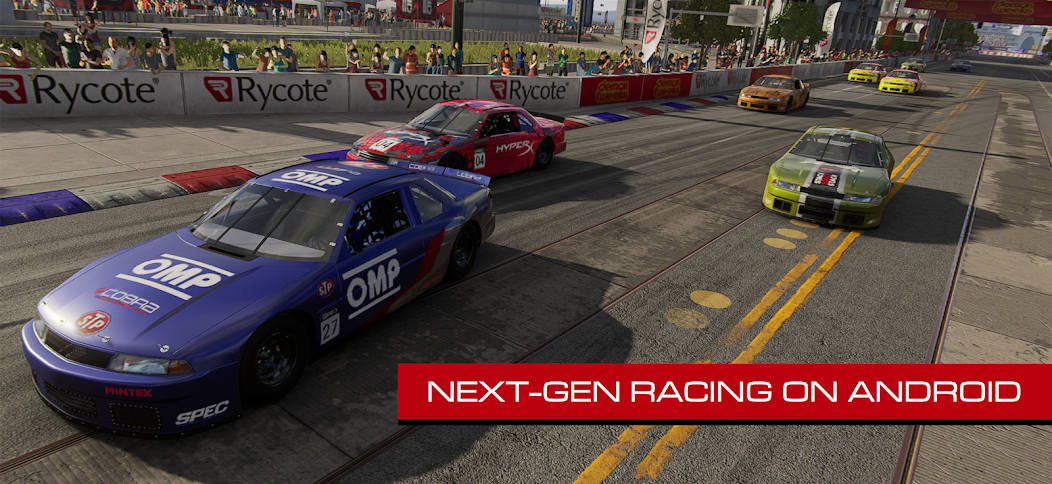


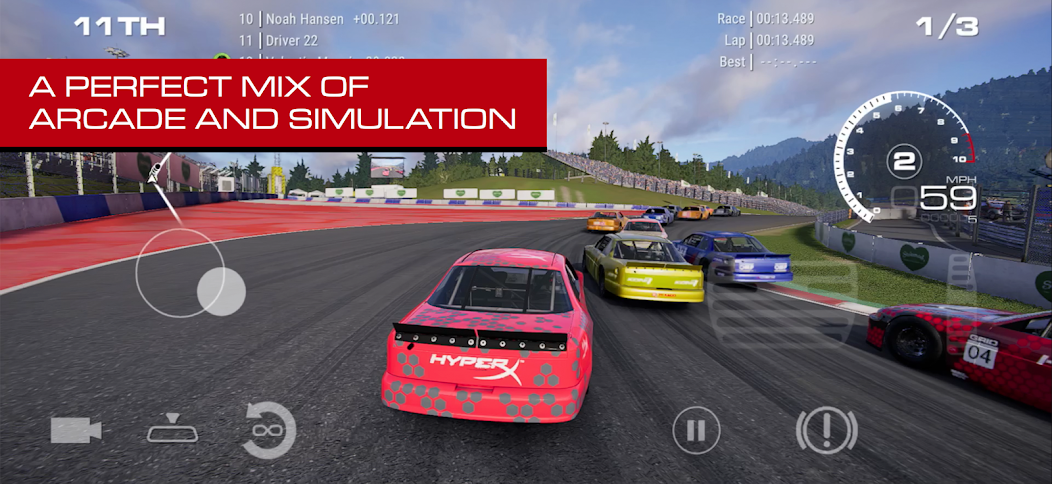
Download GRID™ Legends: Deluxe Edition APK free for Android
v1.1.5RC3 Full
MOD Info:
• License check removed
Install the game using APKVision Store, ZArchiver, XAPKS Installer, or SAI (Split APKs Installer).
Works?




































My device installed the previous version, but for this version, device is not supported!
Why?
Global standard edition; charging power varies by market and adapter.
你设备就不在官方白名单里,之前可能欺骗方式骗过去了。
修改
Android/data/com.feralinteractive.gridlegends_android/files/feral_app_support/
preferences文件
搜索DoneUnsupported
把type=“integer”>0</
改成type=“integer”>1</
如果还不行,请好gemini 分析preferences文件帮你解决。
No BS guide on how to whitelist your device:
Launch the game, let it kick you out because of unsupported device.
Go to Android/data/com.feralinteractive.gridlegends_android/files/feral_app_support/cache
Open specifications.xml
Find <!– Unblocking capable devices –>
Go to
<!– Xiaomi POCO X8 Pro –>
<Device_Name><is>klee</is></Device_Name>
add another Device_Name entry, replace klee with your device codename.
Save.
You can generally find the codename on the internet, or run getprop ro.product.device through adb or some other shell to pull it from the build.prop of your system.
Launch the game and enjoy.
Bro can you make a video please or show us the video you got it from
To solve the problem “unable to prepare files”:
Use the XAPKS Installer.
Find GRID Legends .apk.
Select the russian language before the installation.
Install the game.
Enjoy!
Not working
It’s working great on my Poco X8 Pro Max; it’s a different story if you have a piece-of-shit phone and it doesn’t work for you xD
We can change another way is to Install it
Just don’t use apkvision store to install it but use A manager like mt manager that it can install apks,And it would solve the problem
I try to fix the signature because i can’t install it on my Android 16 it says high risk app anyway i fix it and install it successfully but it gives me “unable to prepare files” your saves have not been changed. If anyone have same issues let me know
Yep, install the game using SAI
Still not working and i try to change the signature of all the apks the installation complete perfectly but still show same message
APKVISION Could you please mame backups with all your feral ports. We need you to download all the ingame files and dlc then create a backup. Feral will soon update this to prevent the cracked game from working with their online checks. Id really appreciate if you could make a seperate apk with every file downloaded from their servers but packaged to be strictly offline so it cannot communicate with their servers meaning they cannot stop it from working with updates. That way we can preserve the game. Otherwise itll just be another year wait like we waited for it to become playable again ever since its initial launch. Thanks guys for everything.