Download APK v1.0.5
42.18 MB · FullDownload OBB/Cache v1.0.5
2.71 GBPopular searches

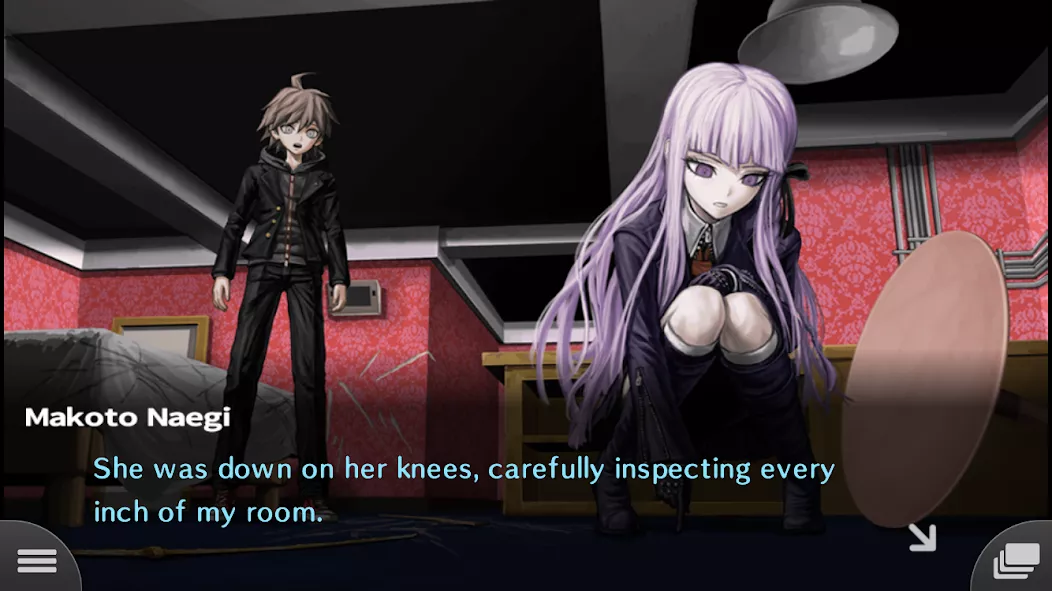
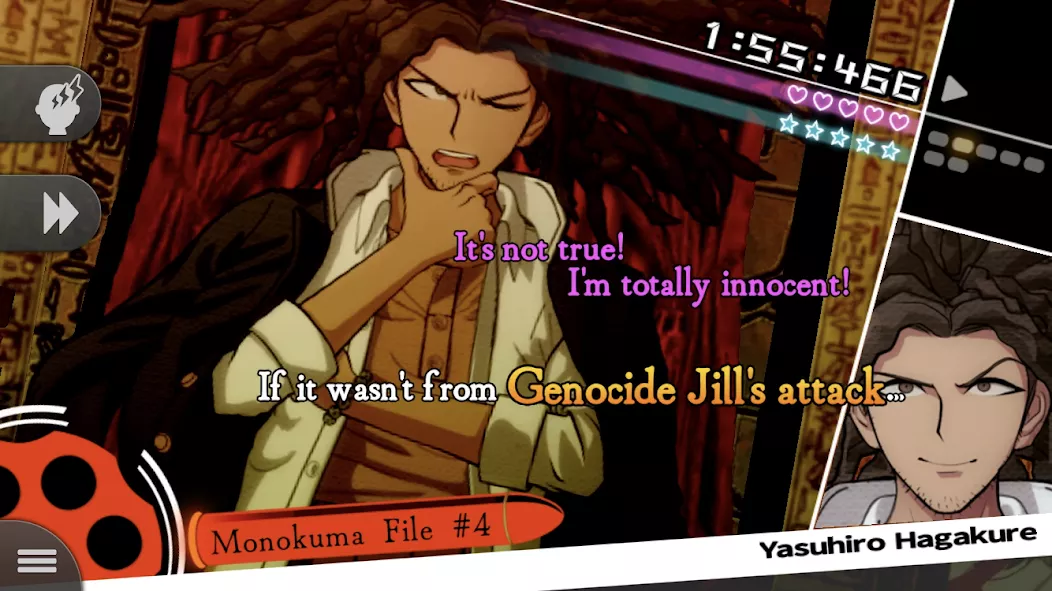
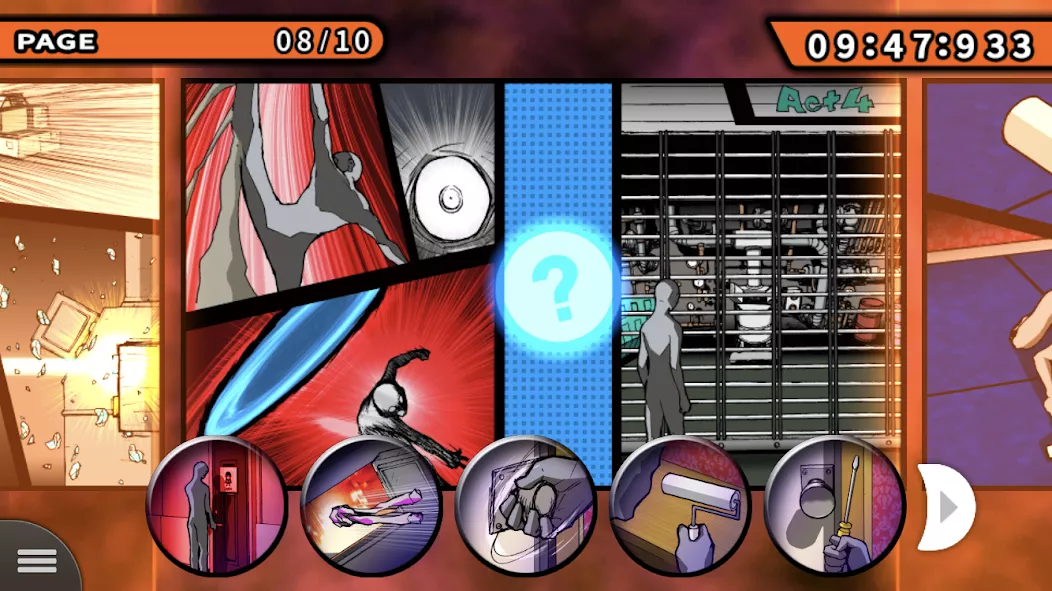
Danganronpa: Trigger Happy Hav celebrates its 10-year anniversary with a smartphone release featuring enhanced gameplay and a new gallery feature. The story unfolds at Hope’s Peak Academy, where Makoto Naegi, an ordinary student chosen as the “Ultimate Lucky Student,” finds himself trapped in a nightmarish scenario. Surrounded by 15 elite students, they learn they must kill to escape, leading to a battle against an unseen enemy. The game boasts high-speed deductive action, innovative 2.5D motion graphics, and revamped controls, alongside new intimacy and character galleries for an enriched experience.
| Updated | December 31, 2024 |
|---|---|
| Latest Version | v1.0.5 |
| Genre | Adventure |
| Developer | SPIKE CHUNSOFT |
| OS Version | Android |
| Supported languages | Supported languages in this APK.
|
| Package name | jp.co.spike_chunsoft.DR1 |


 3.80/5 (153 votes)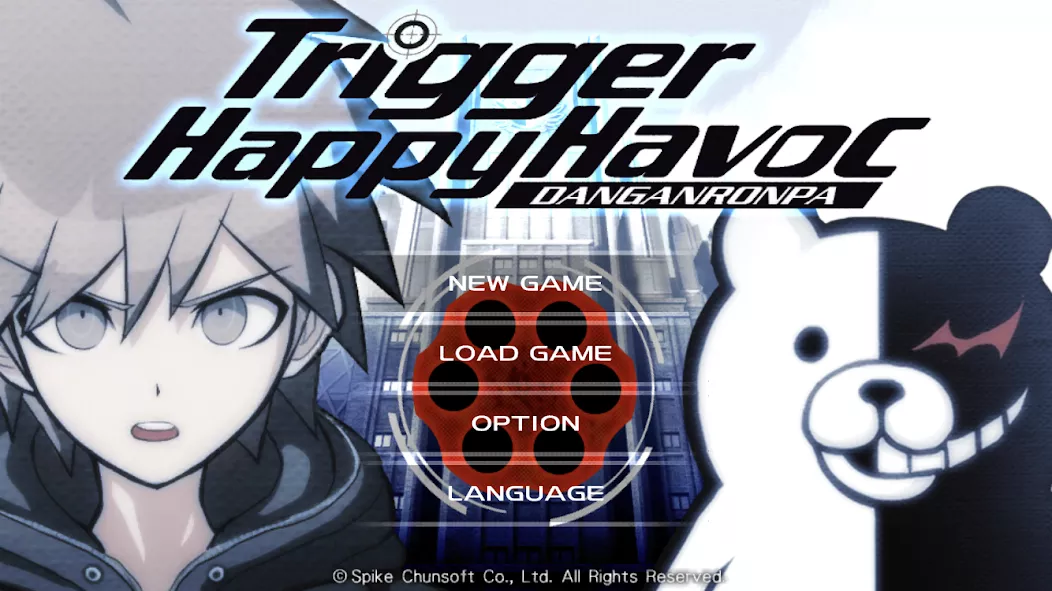
No chance of them updating this anytime soon, APKvision team doesn’t give a shi to good visual novels like these, they haven’t updated the Danganronpa v3 for more than a year now.
what are the updates about? is it bug fixes or are we missing out on something important
The update contains minor bug fixes, not really anything important
update plz
Please Update The Game The Version Already Out In Play Store v1.0.6.
Anyone else’s app works fine for a few days then starts instantly crashing afterwards? When I tried installing the app a second time, it warned me that the app was harmful, which I didn’t get the first time.
For everyone who doesn’t know how to run a game and has new Adroid with OBB files moving protection. You have to open the apk file so the OBB folder will create itself in the Adroid folder. Create the new folder in ex. dowloads and paste the name of the original OBB folder made by the game. You have to copy all the files from the OBB zip you unpacked (not the folder, the files inside) into that new folder. You unistall the apk file (you can do it by unsitalling the game by long pressing on the game icon). Then install the apk file again and DO NOT open the app. Then copy the folder you made in downloads and paste them into where all the OBB folders are stored. Check if the files are inside. If not then copy the files from iside the folder and paste them to the folder OBB. Now you can delete the folder you made in dowloads, run a game and everything will work. Moving tge files doesn’t work but copying them work just fine for some reason lol
ty its worked. It’s interesting that in this Android update you can edit OBB files by connecting via a computer, but it’s more difficult on your own phone.
I tried it in phone, yeah it was complicated because you need to ROOT your phone but I did it with shizuku. I moved the files in obb just fine and the game now works perfectly.
this helped a lot, thanks.