Download Danganronpa 2: Goodbye Despair APK v1.0.6
43.27 MBDownload Danganronpa 2: Goodbye Despair OBB/Cache v1.0.6
2.73 GB
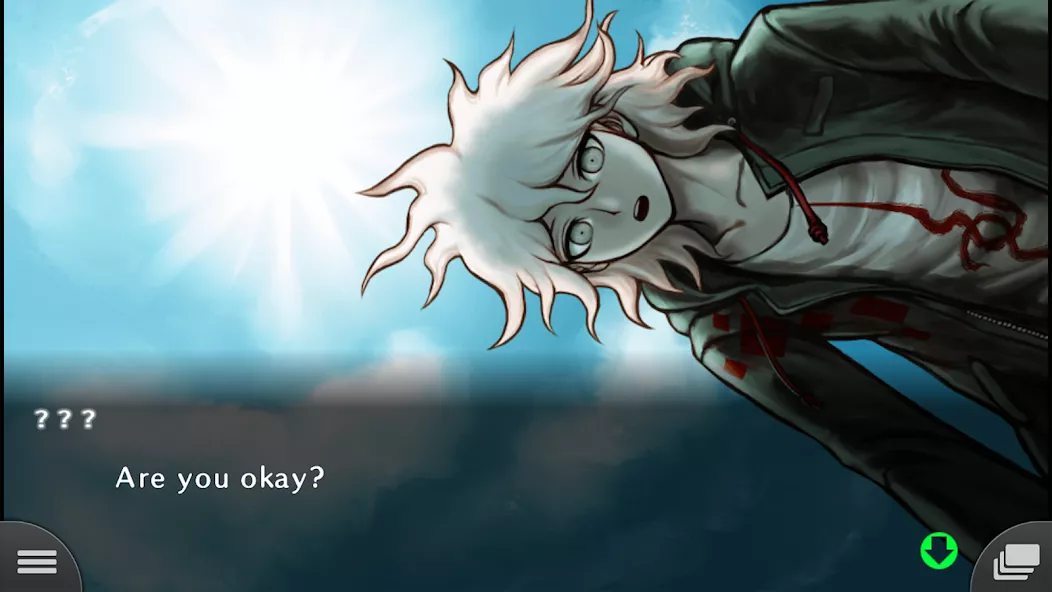
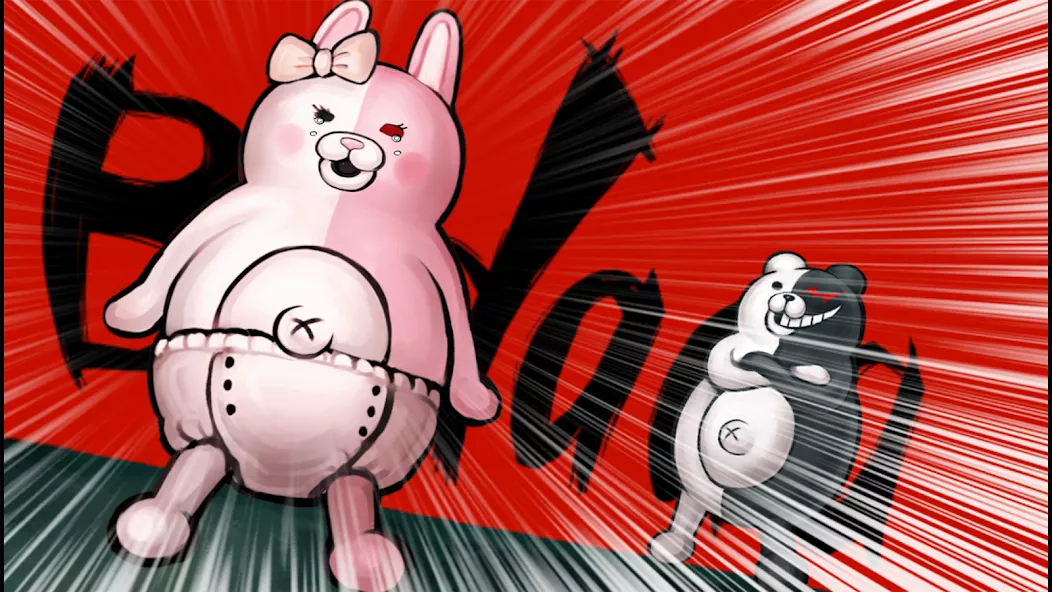
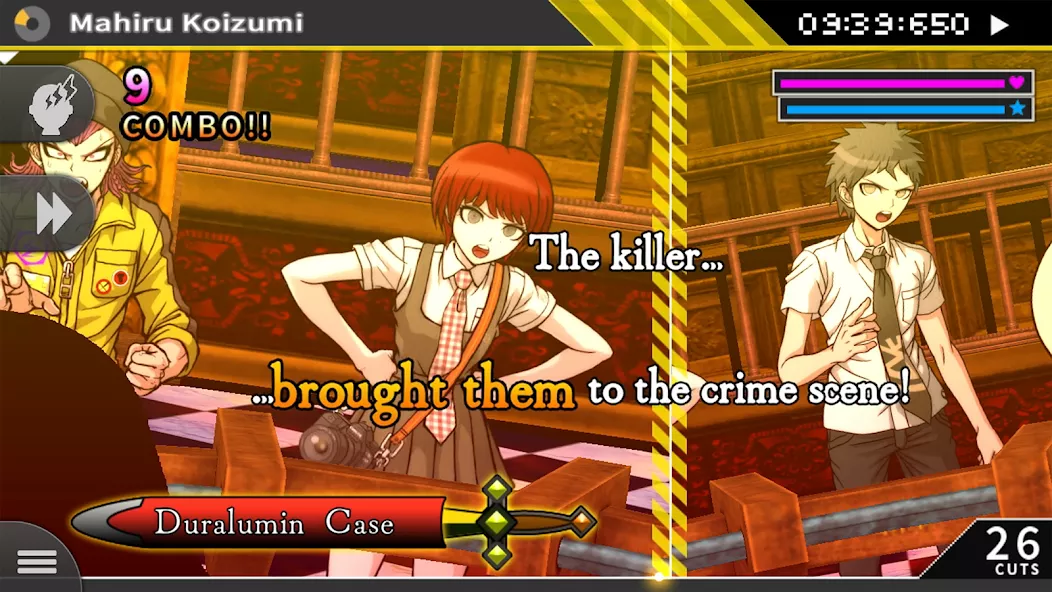
Danganronpa 2: Goodbye Despair brings the thrilling killing game experience to smartphones, set against the backdrop of the tropical Jabberwock Island. Players are trapped and must navigate a high-stakes environment filled with murder and betrayal, participating in fast-paced class trials to uncover the truth. The game features high-speed deductive action, stunning 2.5D motion graphics, and optimized controls for mobile play. Additional content includes an Intimacy Gallery, Character Gallery, and Ultimate Gallery, allowing players to engage deeply with the story and characters. Experience the evolution of class trials in this captivating adventure.
| Updated | December 31, 2024 |
|---|---|
| Latest Version | v1.0.6 |
| Genre | Adventure |
| Developer | SPIKE CHUNSOFT |
| OS Version | Android 7.0+ |
| Package name | jp.co.spike_chunsoft.DR2 |
| Get it On | Google Play |


 3.92/5 (154 votes)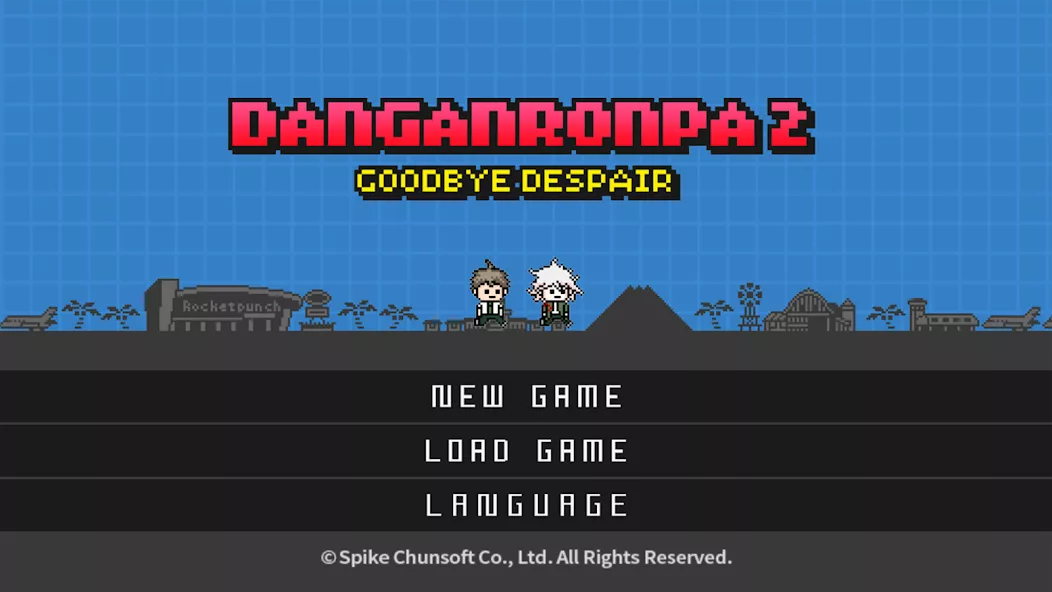












WHY DOES IT KEEP ON CRASHING 😭😭
How did u install it? I can’t extract any file , there is some stupid error
Danganronpa (DR2)
Unable to start
For everyone who doesn’t know how to run a game and has new Adroid with OBB files moving protection. You have to open the apk file so the OBB folder will create itself in the Adroid folder. Create the new folder in ex. dowloads and paste the name of the original OBB folder made by the game. You have to copy all the files from the OBB zip you unpacked (not the folder, the files inside) into that new folder. You unistall the apk file (you can do it by unsitalling the game by long pressing on the game icon). Then install the apk file again and DO NOT open the app. Then copy the folder you made in downloads and paste them into where all the OBB folders are stored. Check if the files are inside. If not then copy the files from iside the folder and paste them to the folder OBB. Now you can delete the folder you made in dowloads, run a game and everything will work. Moving tge files doesn’t work but copying them work just fine for some reason lol
For the ones who are confused with the instalation, You have to move the obb folder to your android>obb folder with zarchiver or any file explorer