
Tomb Raider™ APK
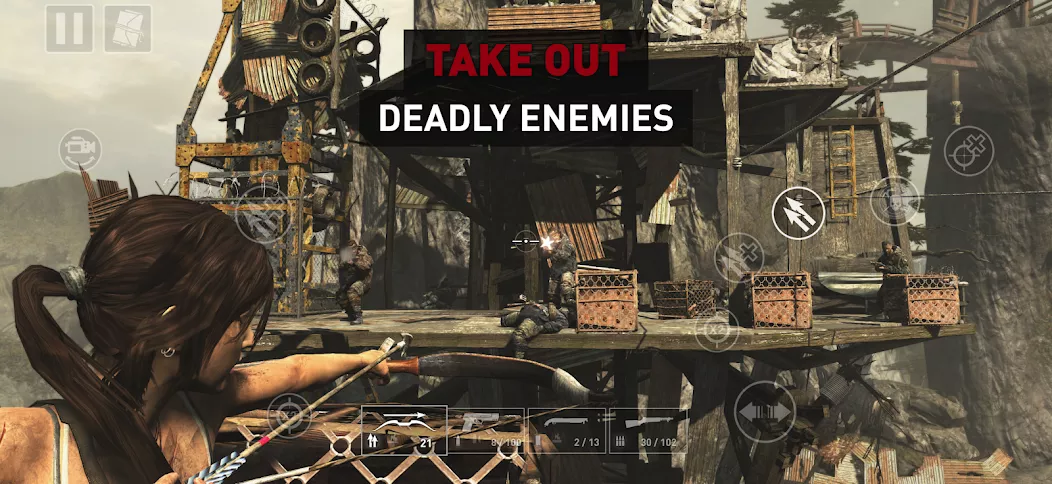
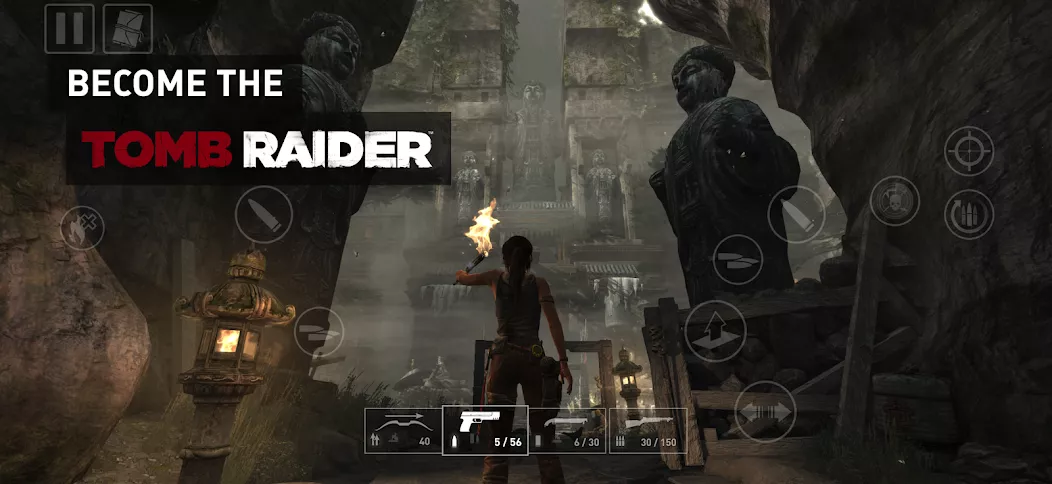
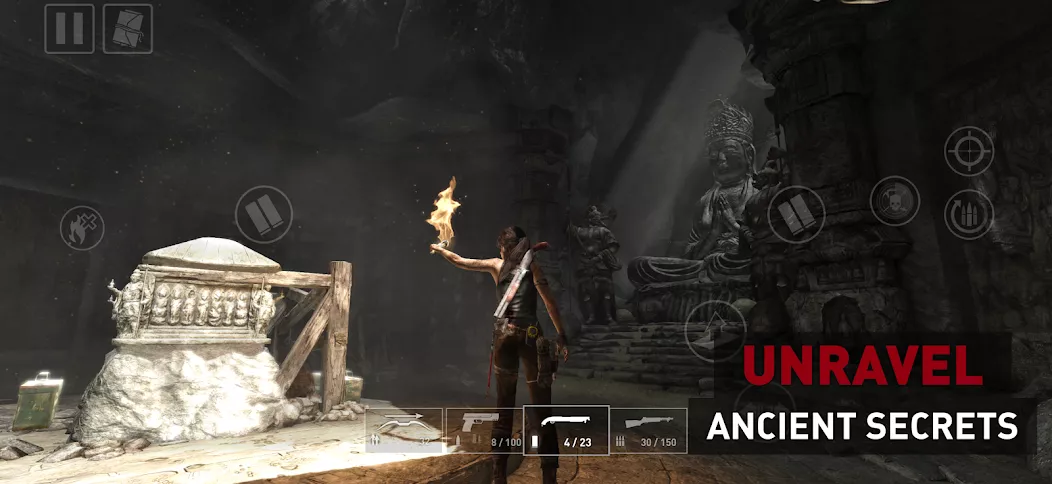
Tomb Raider invites players to join Lara Croft on her inaugural archaeological adventure at twenty-one, as she navigates the treacherous isle of Yamatai. This thrilling mobile adaptation features exploration, intense combat, and intricate puzzles, allowing players to customize their experience with various control options. Lara must hone her skills, gather resources, and craft equipment to transform from a desperate survivor into a legendary adventurer. The game includes twelve DLC packs with additional content, ensuring a comprehensive gameplay experience tailored for Android devices, complete with performance optimizations and support for motion controls.
| Updated | January 17, 2026 |
|---|---|
| App Name | Tomb Raider™ |
| Genre | Action |
| Developer | Feral Interactive |
| OS Version | Varies with device |
| Package name | com.feralinteractive.tombraider_android |
| Get it On | Google Play |

 4.53/5 (957 votes)
Tomb Raider™ hasn't been released yet or the file has not yet been uploaded to our server. Visit this page later.


⚠️ Important
This game is very demanding and may not run on many phones/tablets.
For best results, use a high-performance device.
Recommended: MediaTek Dimensity 9300+
✅ Step-by-step
- Download the game archive
Tomb Raider.zip. - Create a folder in your device storage (example: GameHubGames).
- Extract the contents of
Tomb Raider.zipinto that folder. - Download and install the GameHub emulator APK (install it like any standard APK).
- Open GameHub.
- In the main menu, tap My, swipe to Import Games, then choose PC Games.
- In the file manager, open: GameHubGames → Tomb Raider.
- Select
TombRaider.exe. - When the game cover/title appears, tap Confirm. GameHub will download the required files automatically.
- Wait for the download to finish, then tap Back.
- From the main menu, tap Launch Game and wait (startup time depends on your device).
- In the next window, tap Play and wait for the game to start.
Tip: Keep the game files in internal storage (not an SD card) for faster loading and fewer errors.